A clear countdown for your next crossing
AION 2 Rift Timer brings your next regular Spacetime Rift opening and local time together. Choose your actual server region first: 20:00 in Taiwan and 20:00 in Korea are different instants. Changing the display clock never changes the underlying schedule.
Compare eight upcoming openings, share your region, or download a calendar event. These are planning tools based on a recurring cycle, not observations of a portal spawning.
Choose a schedule with its evidence attached
Taiwan uses Asia/Taipei, UTC+8. Its official guide describes a three-hour cycle and a 15-minute entry window. The complete timetable is calculated from that rule; the official examples omit 08:00, which we cross-check with community evidence.
For Korea, AION 2 Rift Timer uses a community-reported cycle in Asia/Seoul, UTC+9. Entry duration remains unverified. Global has no verified preset here. Read your region’s evidence label before planning a session.
Plan a session without confusing three clocks
Use AION 2 Rift Timer to pick an opening, then prepare in game. Share the region link with friends; each browser converts the same opening into its own local time. UTC provides a common reference when screenshots disagree.
Calendar downloads contain one future opening, not an updating subscription. Choose reminders in your calendar app. This site does not send background alerts. Your region, clock preference, and checklist stay on this device.
Entering the portal is different from staying inside
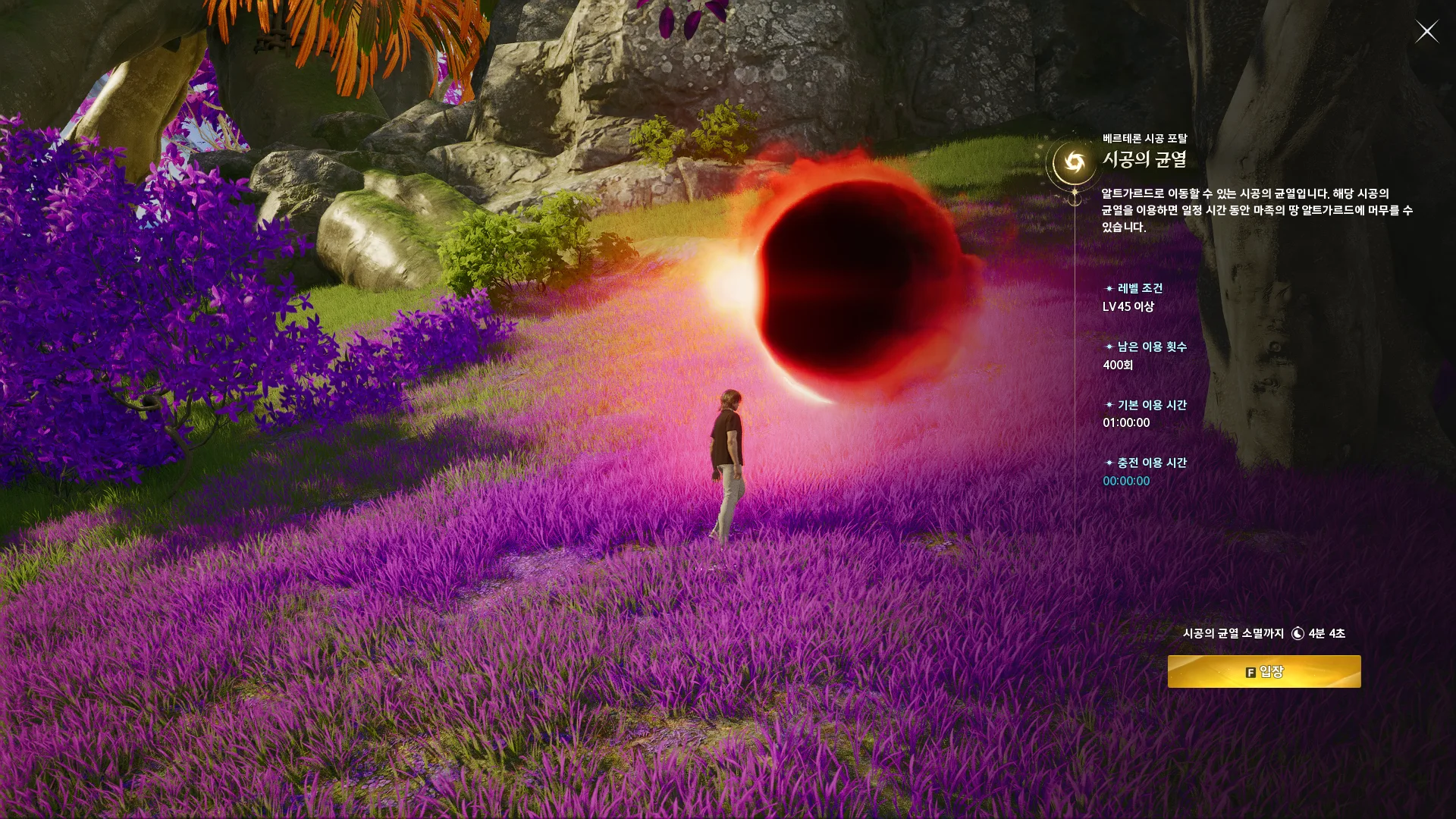
Taiwan’s 15-minute window concerns entry, not your entire visit. AION 2 Rift Timer switches to a scheduled closing countdown during that window. Korea shows opening times without inventing a portal duration.
Regular Spacetime Rifts and Rift Domination are separate activities. Their schedules and access conditions should not be combined. Read the relevant regional notice for character requirements, current rules, and any restrictions before crossing.
What to check when the portal is missing
If AION 2 Rift Timer reaches an opening without a visible portal, check your region, the game’s clock, and your device’s automatic time settings. Selecting Korea for a Taiwan character creates a one-hour error.
Then check the activity name, entry window, and maintenance notices. A recurring calculation cannot detect a hotfix or capacity limit. The troubleshooting guide explains what to compare before assuming the clock is wrong.
Read the timer alongside current regional notices
AION 2 Rift Timer is an independent planning tool. Its review date records a research check, not live server health. Current regional notices take priority over the normal cycle.
The linked guides explain opening windows, time conversion, and missing portals. Use AION 2 Rift Timer for a quick reference, then open the original sources for context. Schedule changes require a fresh review before future openings can be trusted.